

- Detects content changes in pages.
- Adds new pages and removes deleted ones.
- Reflects moves and renames, keeping the structure in sync with the Confluence Space hierarchy.
Everyone with access to the Project will have access to the pages you connect, independently of the original permissions in Confluence.
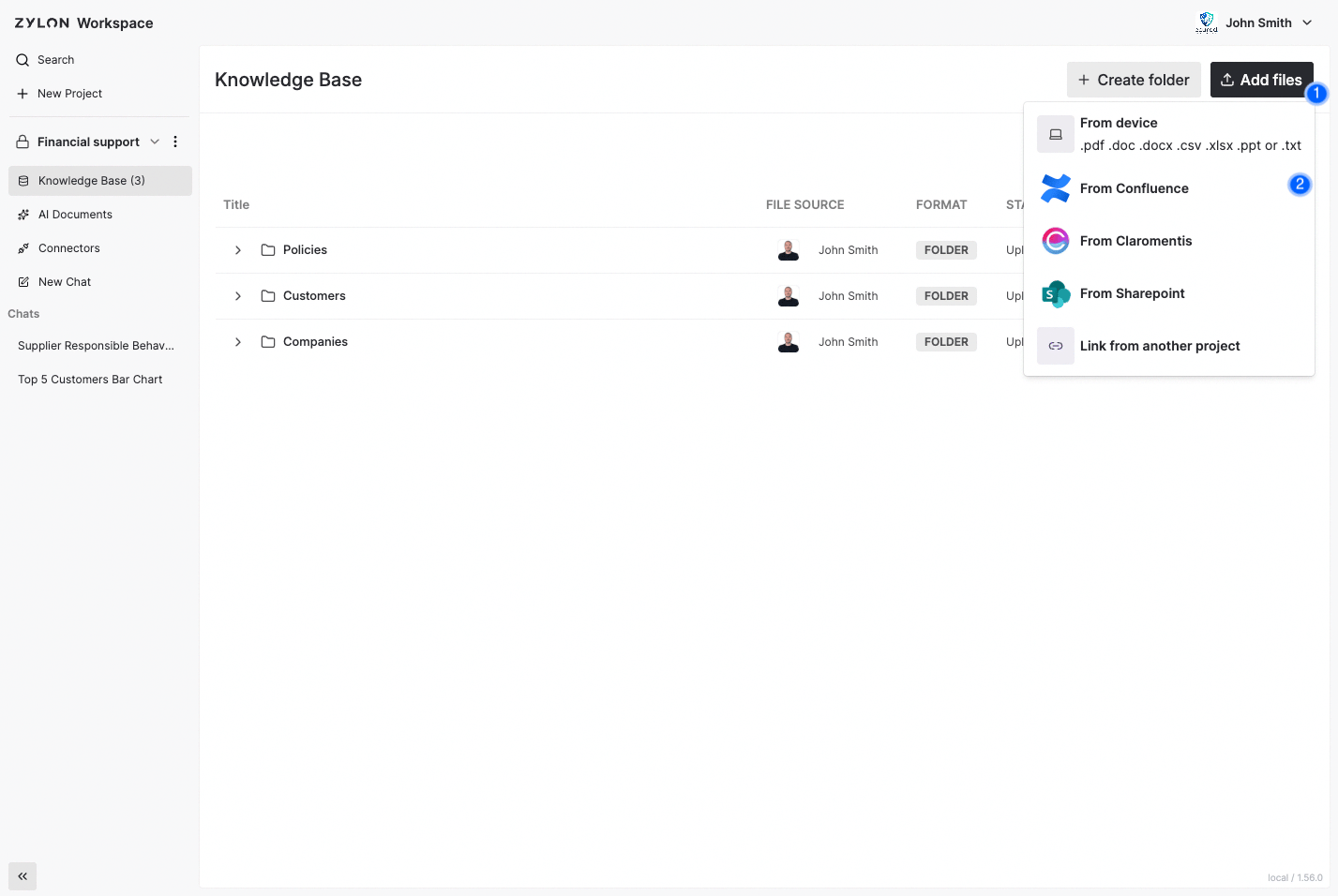
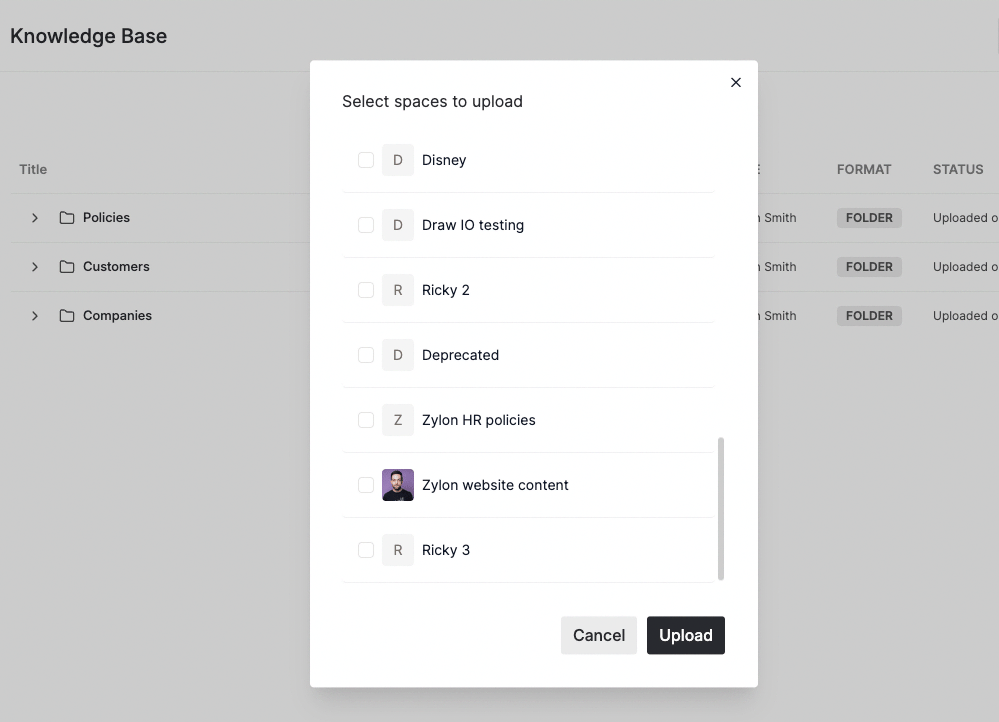
Check how to enable the connector in the
Operator Manual