As an administrator, you can customize Zylon Workspace to match your organization’s branding and preferences. Zylon is a fully white-label solution.Documentation Index
Fetch the complete documentation index at: https://docs.zylon.ai/llms.txt
Use this file to discover all available pages before exploring further.

Customization Options
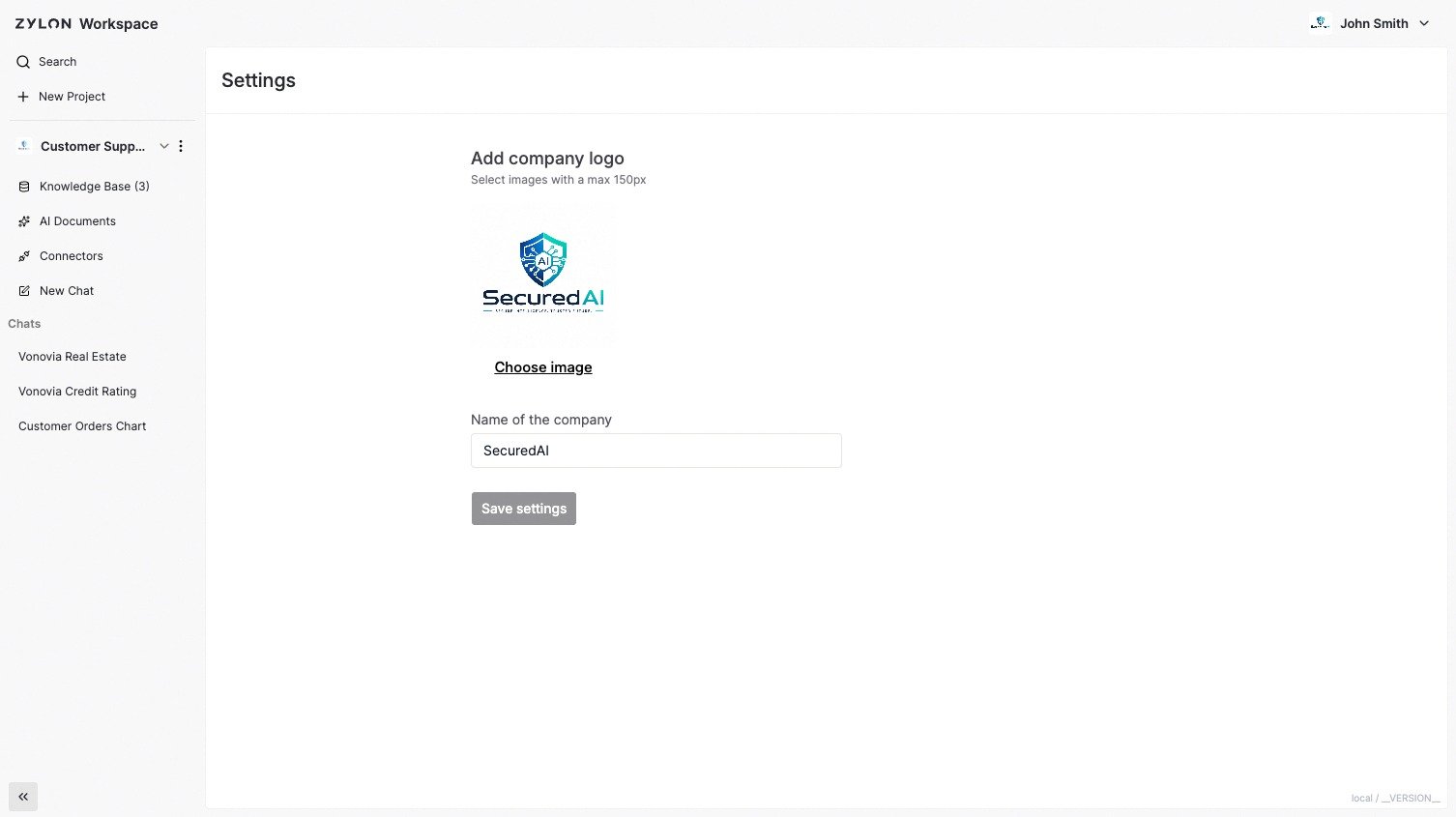
Company Branding- Workspace Name: Choose the name of the Workspace (e.g., “Acme GPT”)
- Company Logo: Upload your organization’s logo for the interface
- AI Assistant Name: During installation, you can also choose what to call your AI (e.g., “Acme Assistant”, “CompanyBot”). Refer to the Operator Manual to learn how to do it.
Accessing Customization Settings
- Click on the Workspace name on the top left
- Select “Settings” section
- Make your changes to the Workspace Name and Logo
- Save and apply changes organization-wide