

Steps
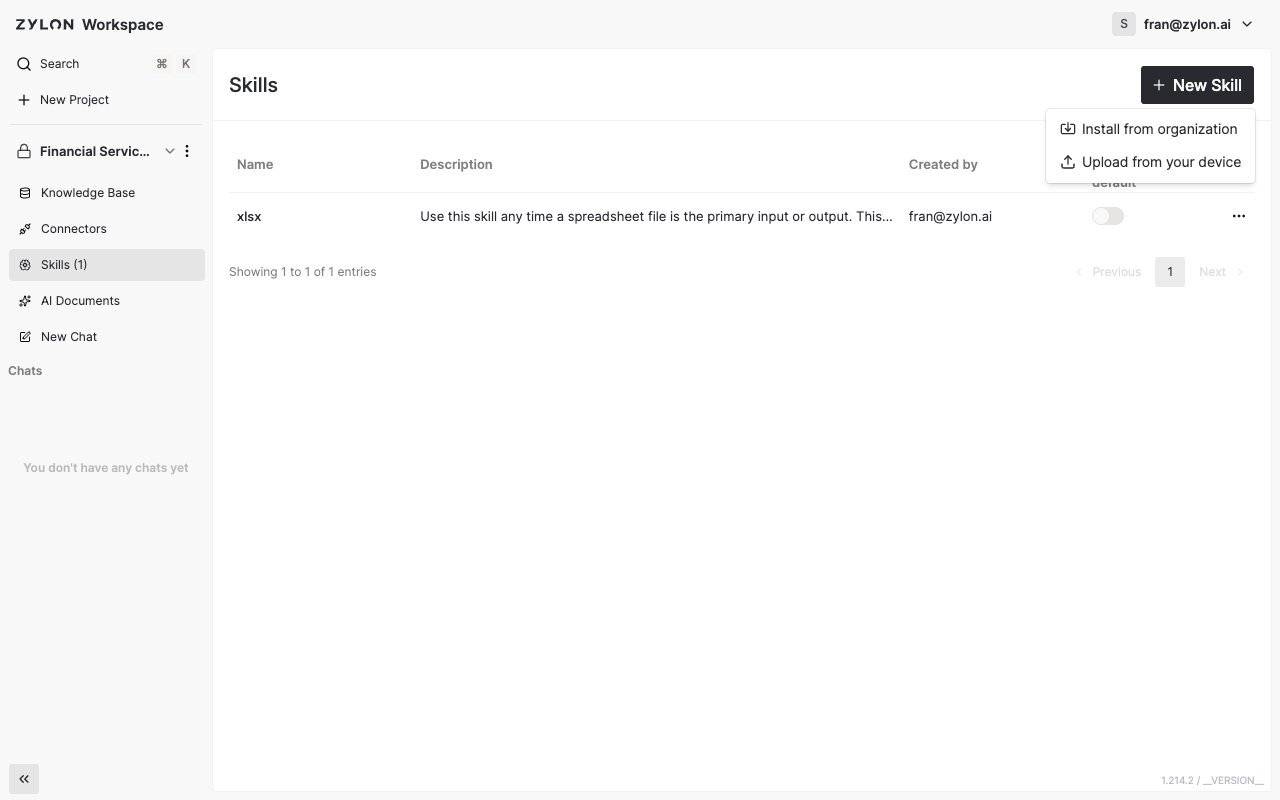
- Open your project and go to the Skills tab in the sidebar.
- Click New Skill, then choose Upload from your device.
- Drag a Skill file onto the dropzone (a
.zip,.skill, orSKILL.mdfile), or click Add Files to browse your device. - Check the name and description Zylon picked up from the file.
- Click Install.
Need a Skill that everyone in the organization can reuse, not just this project? Ask an admin to publish it from Managing Organization Skills, then install it into any project that needs it.