Customize Zylon Workspace branding and appearance for your organization
Upcoming release — Zylon 1.58These docs are published ahead of release so you can prepare your API integrations. The release image is not yet available. For installations running 1.57, use the 1.57 documentation.
As an administrator, you can customize Zylon Workspace to match your organization’s branding and preferences. Zylon is a fully white-label solution.
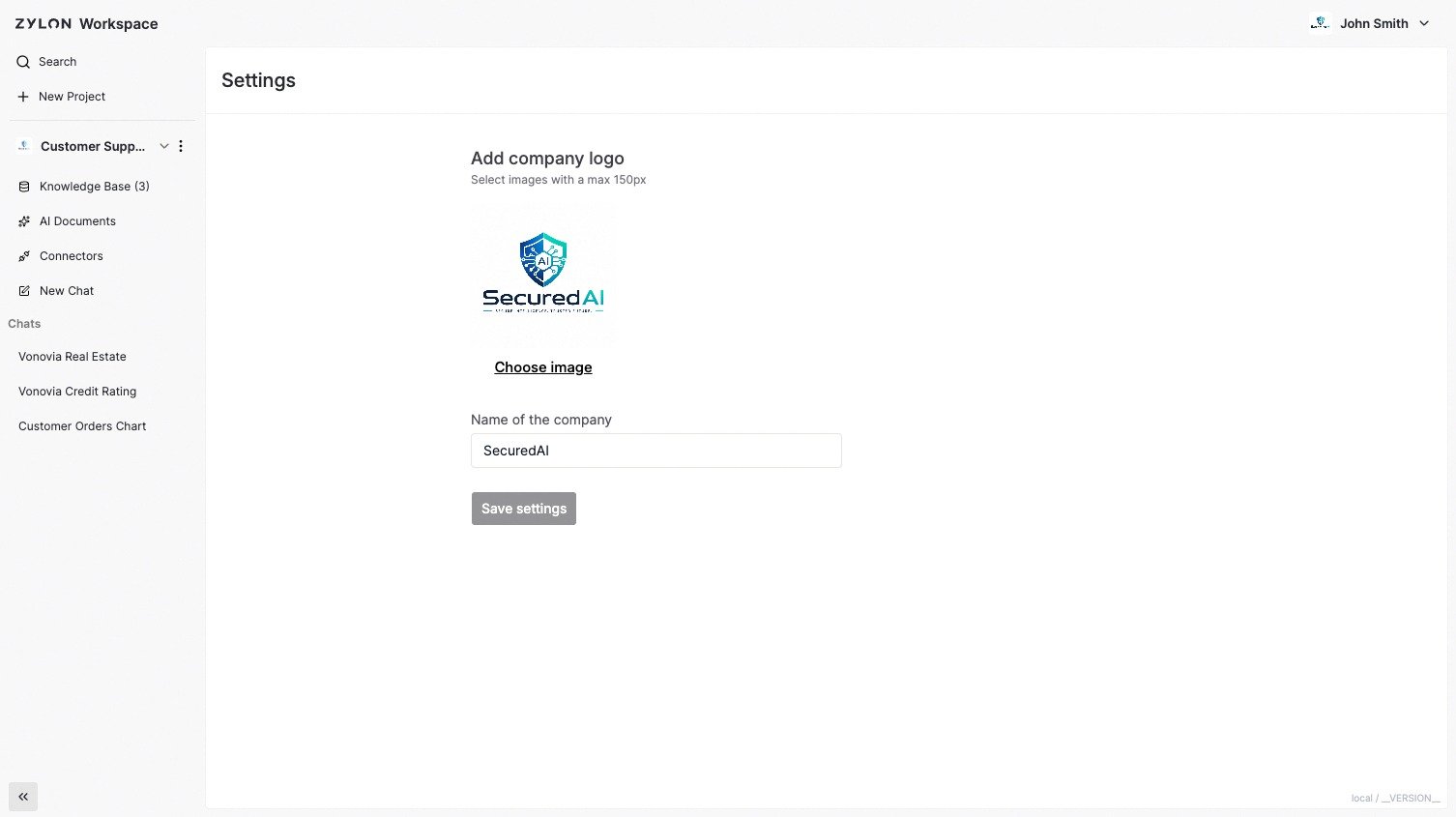
Workspace Name: Choose the name of the Workspace (e.g., “Acme GPT”)
Company Logo: Upload your organization’s logo for the interface
AI Assistant Name: During installation, you can also choose what to call your AI (e.g., “Acme Assistant”, “CompanyBot”).
Refer to the Operator Manual to learn how to do it.