

xlsx, for example, can tell Zylon exactly how to clean up, build, or fix a spreadsheet whenever you’re working with one.
Where Skills live
Skills exist at two levels:- Organization Skills — published by an admin from the admin panel, and available to be added to any project. See Managing Organization Skills.
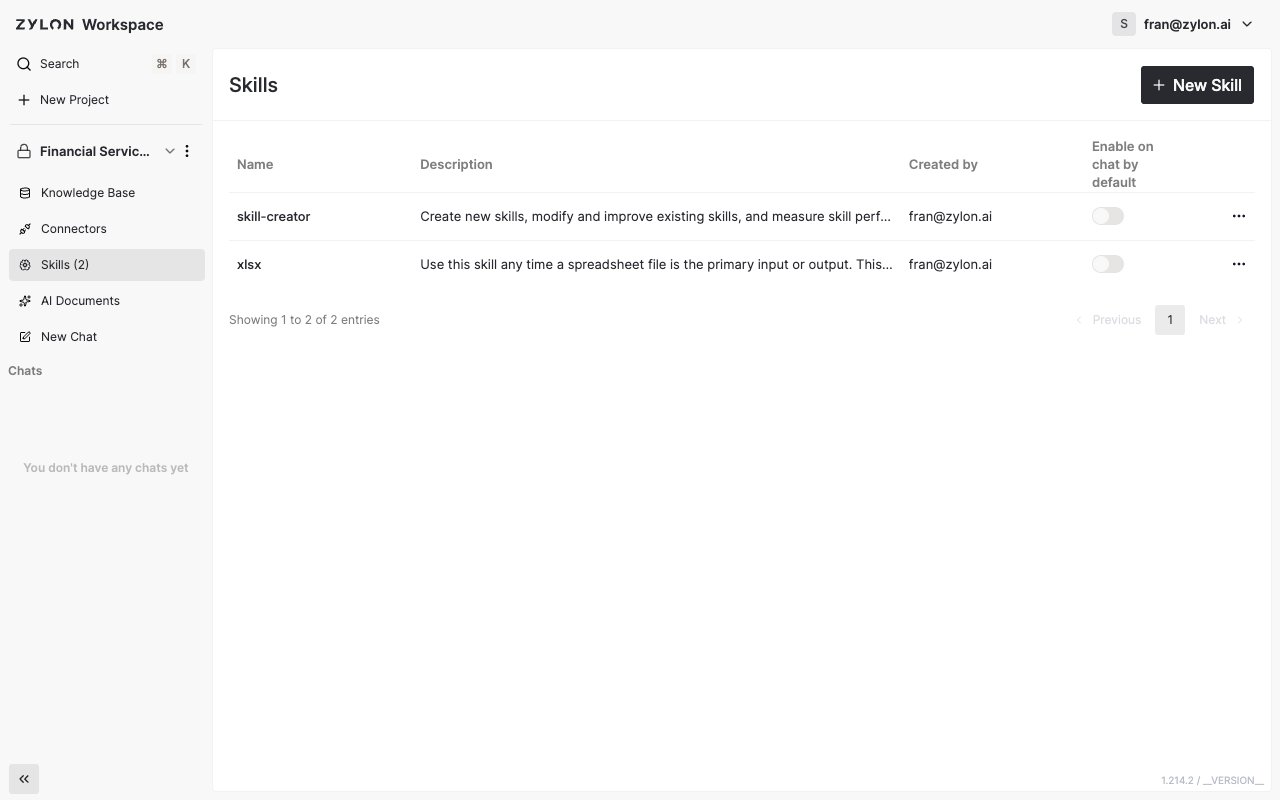
- Project Skills — created directly inside a single project, or installed there from the organization’s library. Visible from the Skills tab in your project sidebar.
What you can do with Skills
- Create a Skill with chat, the editor, or a Skill file. To create one with chat, install Skill Creator in your project first.
- Install an organization Skill into your project without building anything yourself.
- Use a Skill in chat by picking it from the message box, or have it apply automatically to every new chat.
Only project admins and editors can add or remove Skills. Viewers can still use any Skill that’s already available in the project.