> ## Documentation Index
> Fetch the complete documentation index at: https://docs.zylon.ai/llms.txt
> Use this file to discover all available pages before exploring further.
# SharePoint connector
> Import folders and files from SharePoint and keep them in sync on demand.
**Upcoming release — Zylon 1.58**
These docs are published ahead of release so you can prepare your API integrations. The release image is not yet available. For installations running 1.57, use the [1.57 documentation](/en/v1.57/overview).
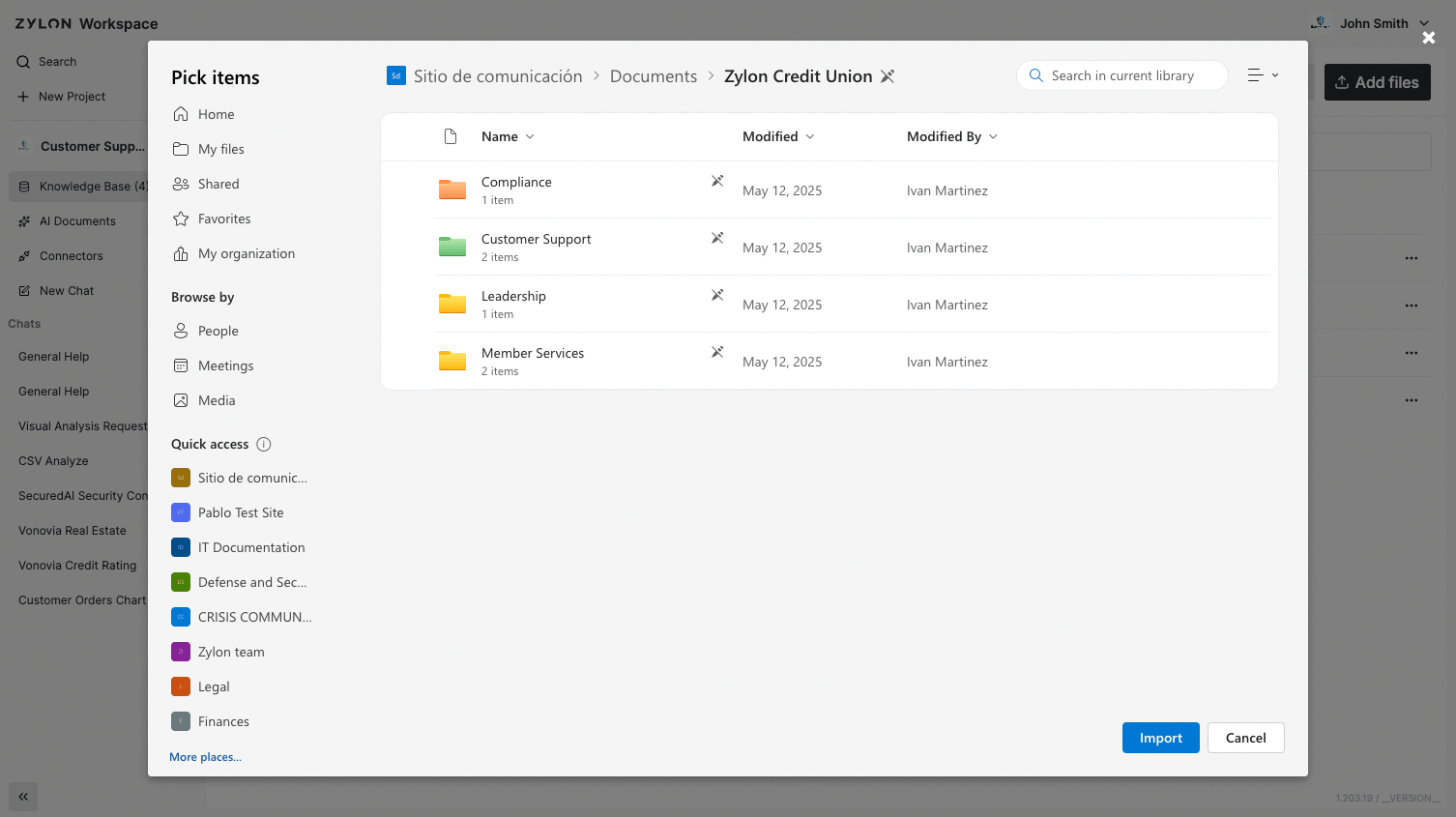
You can import **files or folders** from SharePoint that you have access to. After importing, use the **Update** buttom (within the 3 dots menu) to **sync** with the source:
* Detects **content changes** in files.
* Adds **new files** and **removes** deleted ones.
* Reflects **moves/renames** so the structure mirrors SharePoint.
> Everyone with access to the Project will have access to the SharePoint files and folders you connect to the project, independently of the original permissions in SharePoint.
 Refer to your administrator or review the Operator Manual to learn how to configure your SharePoint integration.
This documentation is built and hosted on [Mintlify](https://mintlify.com), a developer documentation platform.
Refer to your administrator or review the Operator Manual to learn how to configure your SharePoint integration.
This documentation is built and hosted on [Mintlify](https://mintlify.com), a developer documentation platform.