> ## Documentation Index
> Fetch the complete documentation index at: https://docs.zylon.ai/llms.txt
> Use this file to discover all available pages before exploring further.
# File System Connector
> Import folders and files from an SMB server and keep them in sync on demand.
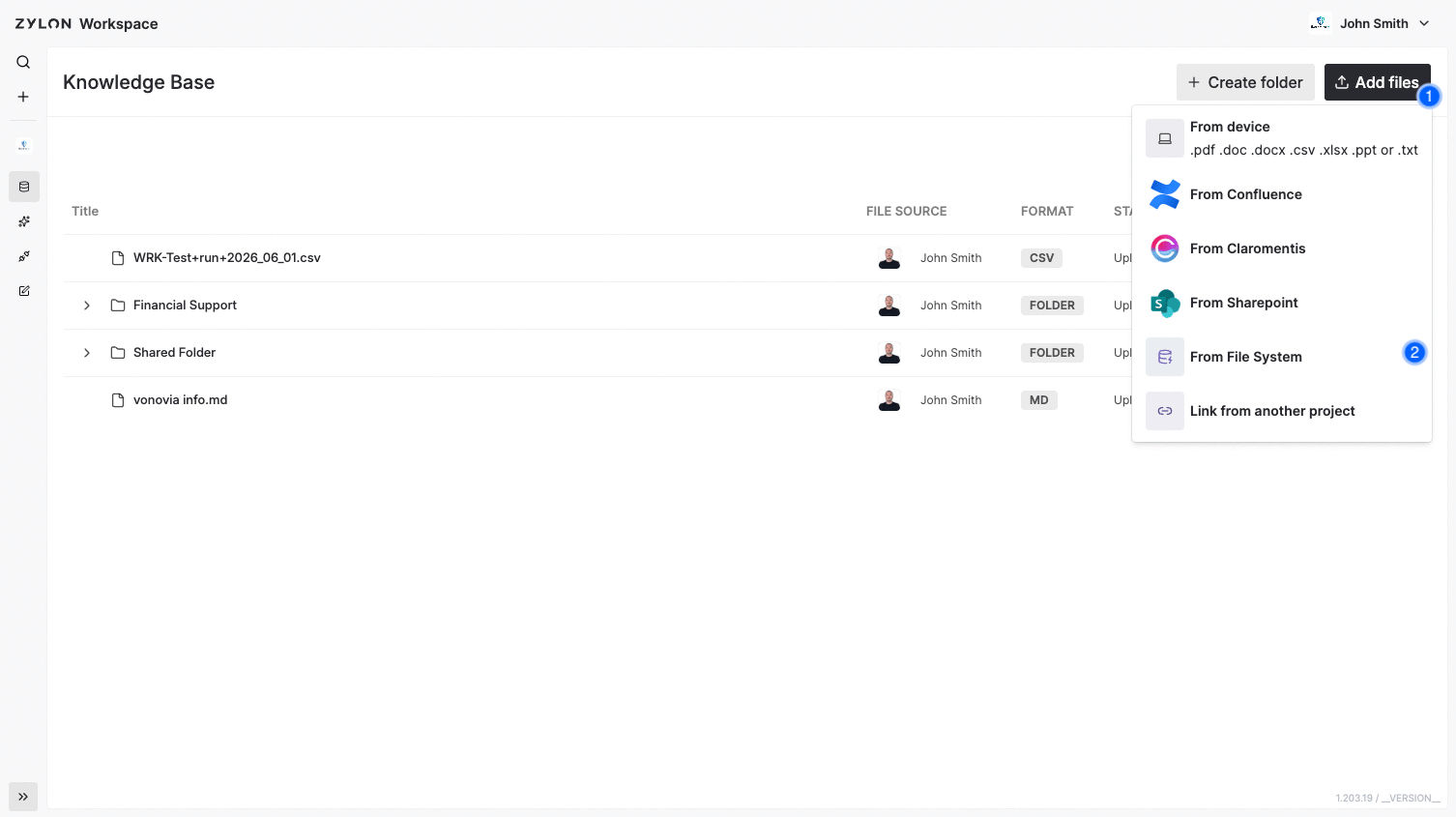
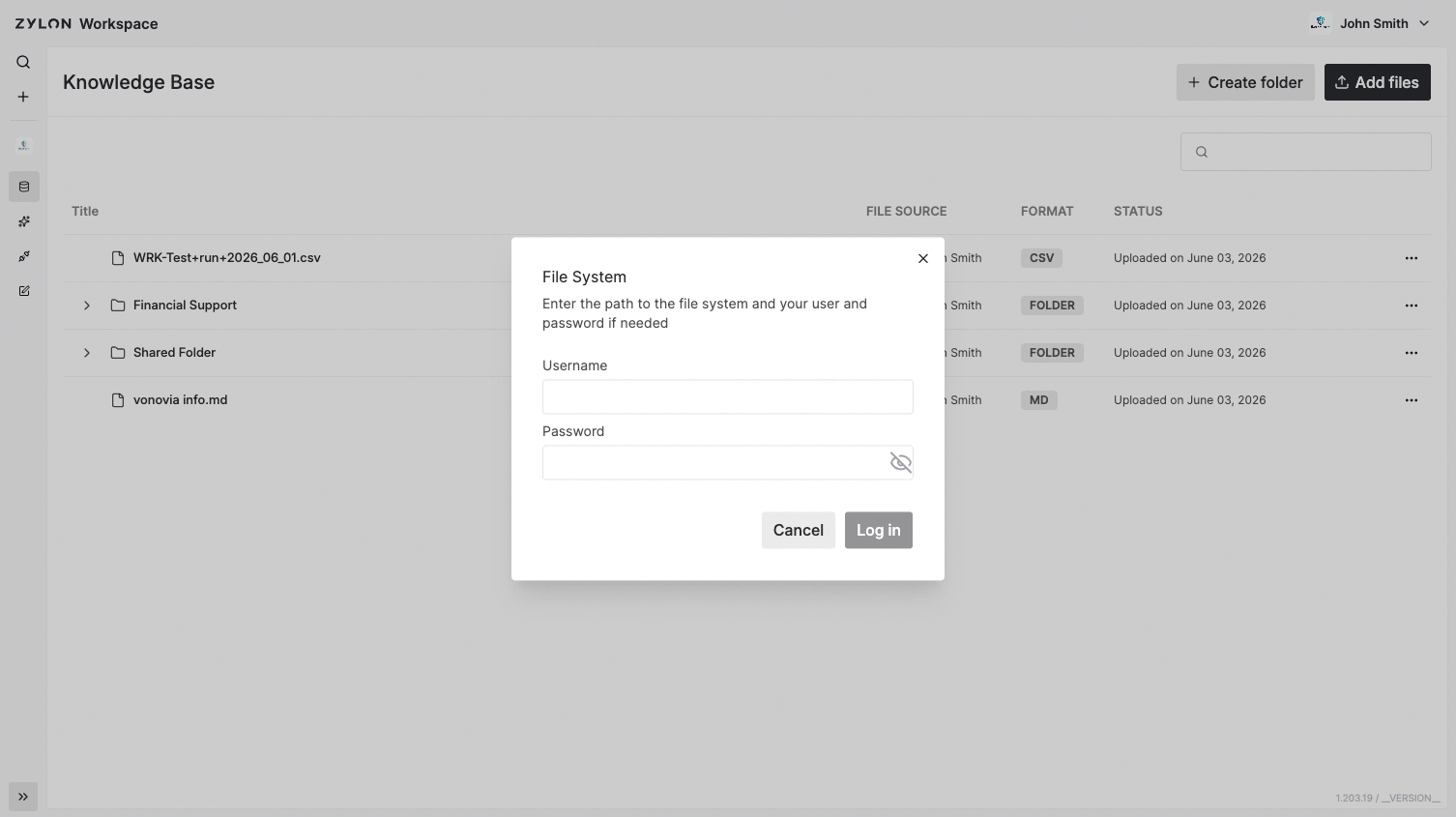
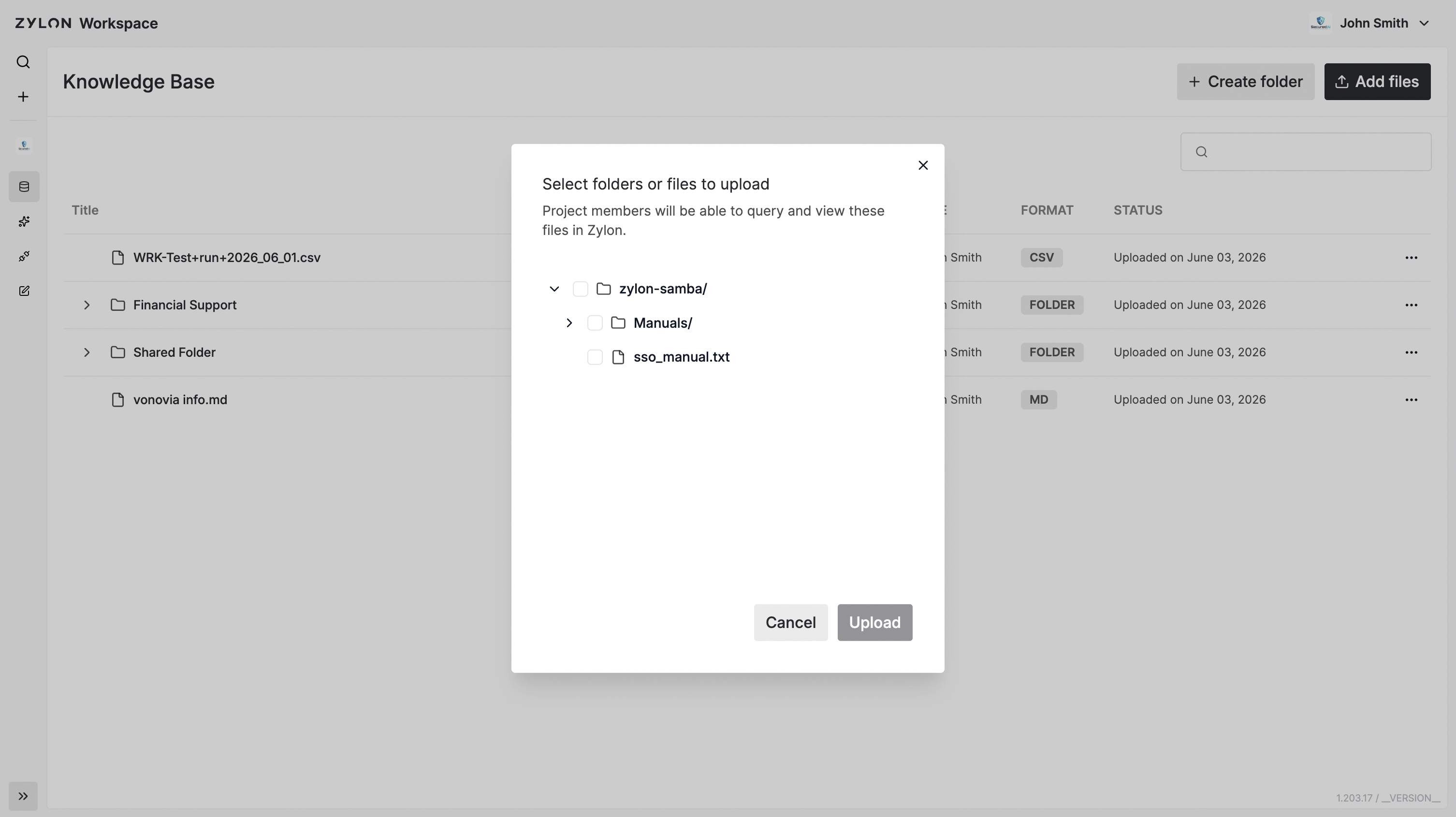
You can import **files and folders** from a SMB based file system that you have access to. After importing, use the **Update** buttom (within the 3 dots menu) to **sync** with the source:
* Detects **content changes** in files.
* Adds **new files** and **removes** deleted ones.
* Reflects **moves/renames** so the structure mirrors the structure of the File System.
> Everyone with access to the Project will have access to the files and folders you connect to the project, independently of the original permissions in the File System.
 Check how to enable the connector in the [Operator Manual](/en/operator-manual/knowledge-base/file-system)